Walkthrough
How PEDAA works.
Four steps, one wardrobe: yours. Nothing here asks you to buy anything.
How it works
From photo to outfit in four steps.
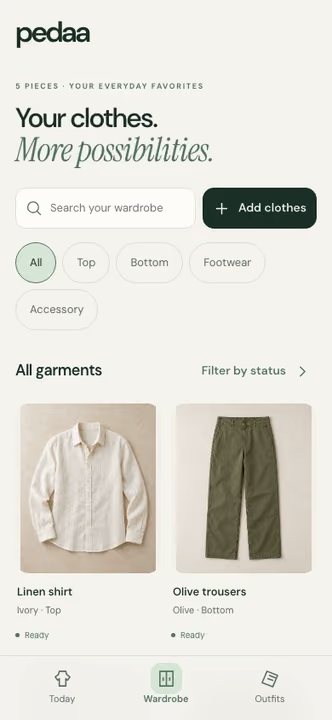
Snap
Lay the piece flat or hang it up in good light, and photograph one garment at a time. In the app, each photo is stored privately and processed to identify the garment.
Sorted
PEDAA works out what the piece is and describes it: the type, the colour and a few product details. Check the suggested details and correct anything the AI gets wrong.
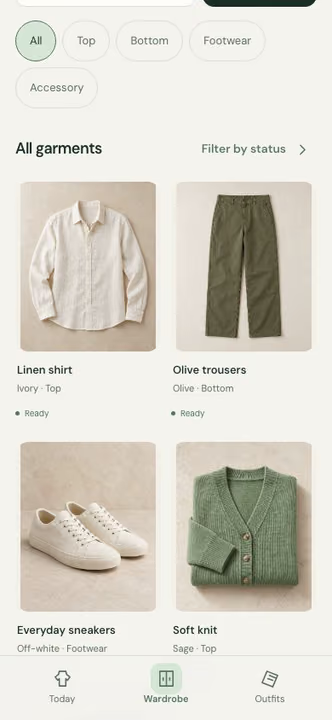
Closet
Your wardrobe is a private gallery of your own photos. Browse it, search it and filter it, so you can see what you really have, including the pieces you had forgotten.
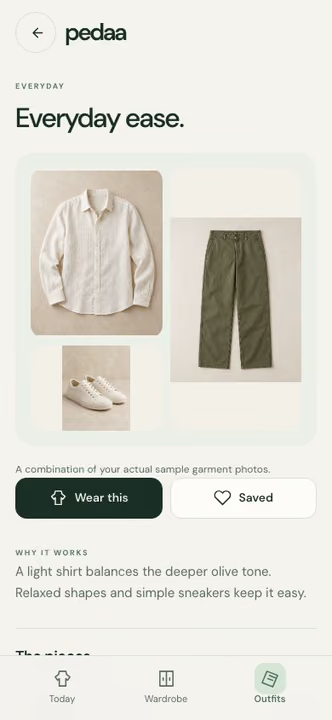
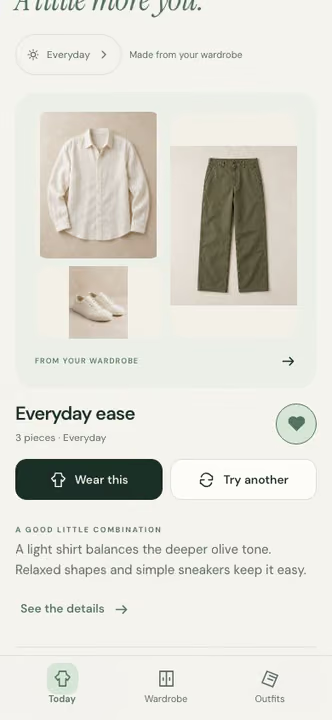
Today
Today shows one outfit built only from your wardrobe, with a short styling tip. The weather tip checks the day ahead and whether you own a warm or rain layer. Save an outfit you like, mark it as worn, or ask for another.
Step stills: Footage from our design prototype
See it in motion.
Today’s outfit
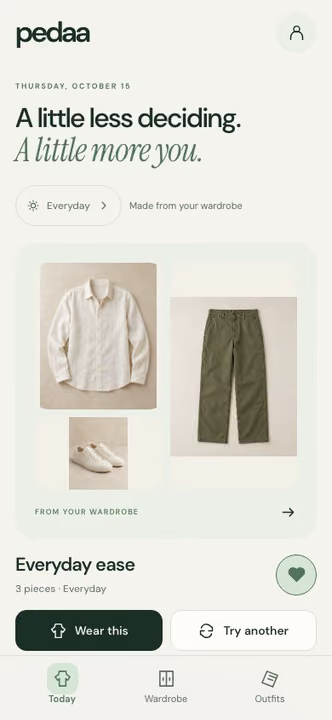
Footage from our design prototype Add clothes
Footage from our design prototype Your wardrobe
Footage from our design prototype Swap a piece
Footage from our design prototype Quick tips
Footage from our design prototype Closet drop

Outfit, assembled

A few quick answers
What does the AI do with my photos?
It reads each garment and fills in details such as its type and colour, and it uses your wardrobe to suggest outfits. It does not guess sensitive personal traits from your photos.
Who can see my photos?
Your garment photos sit in private storage with account-scoped access in the app. Server-side services and AI providers process them to power wardrobe features. We never sell them.
Does it use the weather?
Yes. Quick tips look at the day ahead and check whether you own a warm or rain layer.
More outfits, fewer impulse buys.
PEDAA is in private beta. Join to try it with your own wardrobe.
You're on the list. We'll email you when your TestFlight invite is ready.
Scan to join the beta
Point your phone camera here to open pedaa.app/beta.